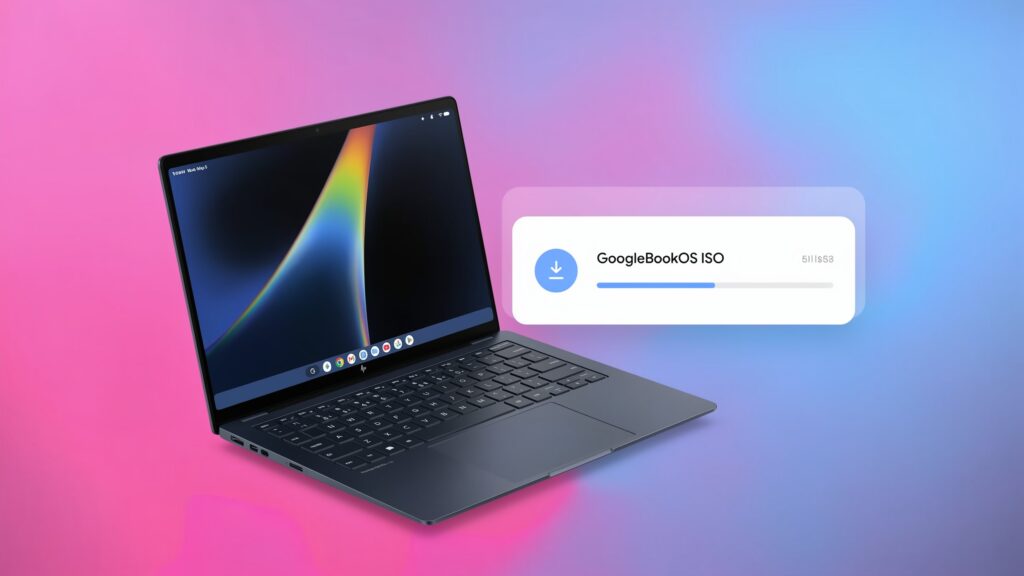
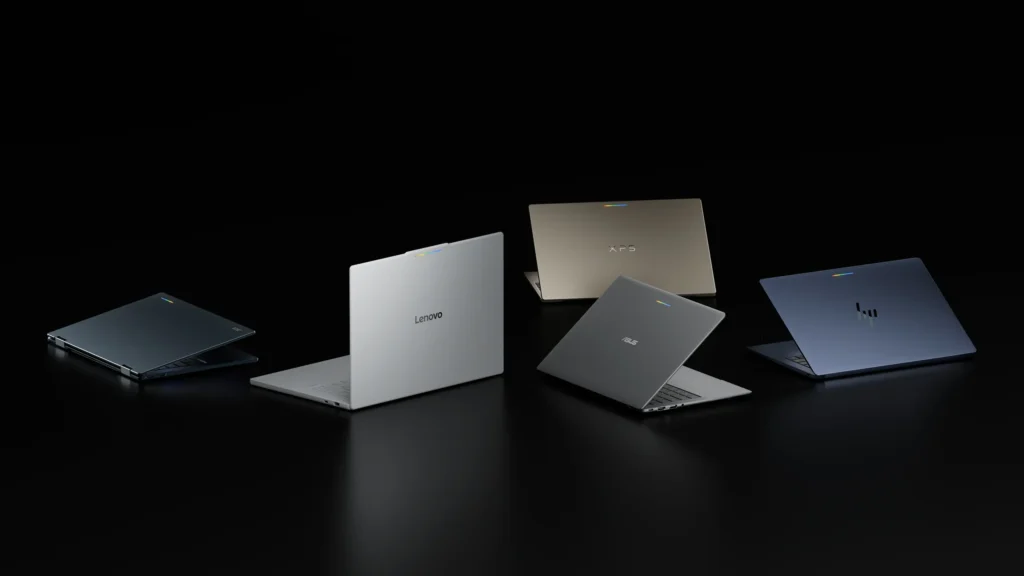
The latest Googlebook OS update is build 17.CL3B.260622.286.R2, the November 2026 release, which started rolling out on November 5 to all five launch Googlebooks. It brings the November 1, 2026 Android security patch, around 30 bug fixes, and a memory change that hands 3GB to 6GB of RAM back to the 16GB Intel models. To install it, open Settings > System > Software updates > System update and select Check for update.
Googlebook OS has received three system updates since the laptops went on sale on October 4, 2026. Two small October builds fixed display bugs, and the November release is the first large one.
Table of Contents
Googlebook OS Update History
| Released | Build | Models | Security Patch | Main Changes |
|---|---|---|---|---|
| November 5, 2026 | 17.CL3B.260622.286.R2 | All five | November 1, 2026 | About 30 fixes, on-device AI memory cut, kernel and Ti50 firmware updates, Linux Terminal fixes |
| October 27, 2026 | 17.CL3B.260622.276.R5 | All five | Not stated | Bug fixes, including the Chrome and web app window flicker |
| October 23, 2026 | 17.CL3B.260622.276.R4 | Intel models first | October 1, 2026 | True blacks restored on OLED screens |
Google releases system updates in stages, so a build can take several days to reach every laptop.
What Is New In The November Googlebook OS Update
Google published the full changelog in its Googlebook Help Community thread. It lists 31 entries across inputs, displays, audio, performance, the Linux Terminal, and update reliability. The download is small, under 200MB on the units reported so far.
3GB To 6GB Of RAM Returned On Intel Models
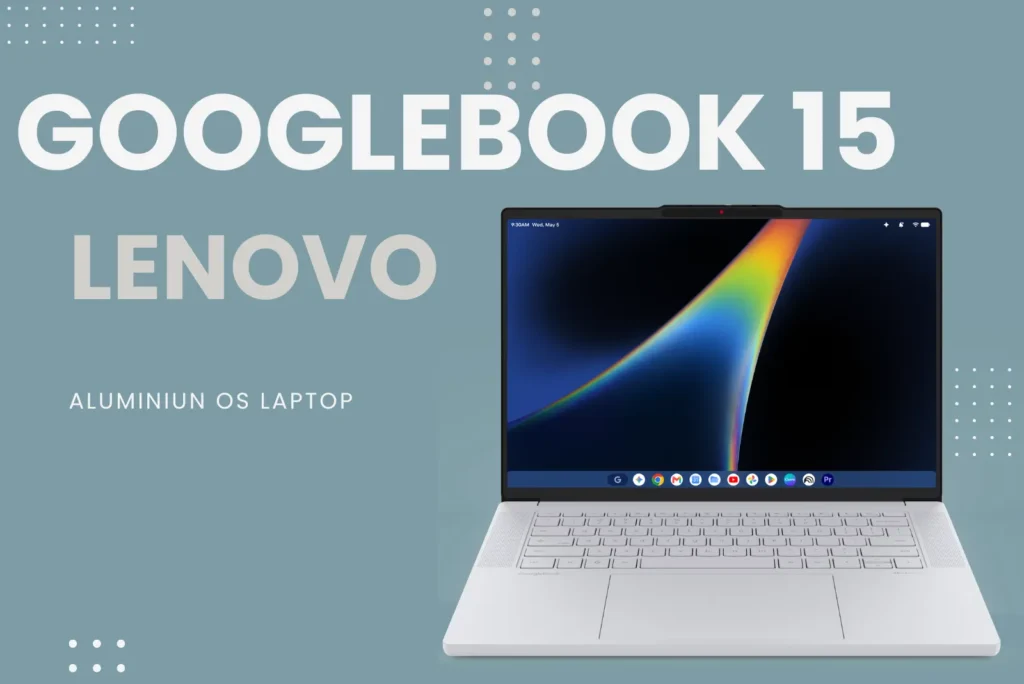
On-device AI was holding a large share of system memory on the Acer Googlebook 14, ASUS Googlebook 14 and Lenovo Googlebook 15. An updated NPU driver (the neural processing unit runs Gemini features locally) and reworked AICore memory management free 3GB to 6GB on 16GB configurations.
The figure needs one caveat. Google’s official release notes say only that memory usage for on-device AI improved; the 3GB to 6GB number comes from Google’s own post on the Googlebook subreddit, and no independent benchmark has confirmed it yet. The Snapdragon-based HP and Dell models are not part of this change.
Every model does get a related fix: the system now reclaims memory more gracefully when background AI services compete with Chrome, which cuts unexpected tab reloads and crashes under heavy tab loads.
Fixes For Every Googlebook
- Lock-screen PIN and password typing registers immediately after waking the laptop or opening the lid.
- An interrupted update can no longer trap the laptop in a reboot loop (a boot-slot priority bug).
- Bluetooth Low Energy mice such as the Logitech MX Master, Pebble and Lift reconnect after a restart. Mice paired on an older build should be unpaired and paired again.
- USB microphones and audio interfaces, including Focusrite Scarlett and Elgato Wave, record without the buffering fault.
- Zoom no longer crashes with Background Blur, Virtual Backgrounds, Video Filters or 3D Avatars.
- Unplugging two external monitors no longer leaves the external wallpaper covering the built-in display and hiding the taskbar.
- Wallpaper & Style stops hanging, the Files app drops a duplicate copy notification, and Settings > Tips & support opens the Googlebook Help Center.
- Ti50 security chip firmware gains stronger protections and anti-rollback.
Linux Terminal (Beta)
Shell sessions now survive sleep and tab switching, forwarded ports (including SSH on port 2222) stay connected, and system updates refresh the Linux VM’s configuration without resetting Linux storage or custom openssh-server settings. Keystrokes and console output are no longer written to diagnostic logs, and the terminal’s link to Antigravity, Google’s coding tool, is more stable.
Which November Fixes Apply To Your Googlebook
| Model | Chip | Model-Specific Fixes |
|---|---|---|
| Acer Googlebook 14 | Intel Core Ultra 5 | AI memory cut, GPU memory fix, Linux 6.18 kernel fixes, keyboard and touchpad response after tablet or tent mode |
| ASUS Googlebook 14 | Intel Core Ultra 5 | AI memory cut, GPU memory fix, Linux 6.18 kernel fixes |
| Lenovo Googlebook 15 | Intel Core Ultra 5 | AI memory cut, GPU memory fix, Linux 6.18 kernel fixes |
| HP Googlebook 14 | Snapdragon X Elite | DRM video on external monitors, USB-C hub crash, HDR dimming, Bluetooth lip-sync, hearing aid output, Linux 6.12 kernel update, “Power off” now shuts down instead of rebooting |
| Dell XPS Googlebook 13 | Snapdragon X Elite | All HP fixes except the power-off bug, plus touchscreen firmware and quieter fan when the lid closes |
The HP and Dell laptops receive the longest list. Netflix and other protected video no longer shows a black screen with audio on an external monitor, unplugging a USB-C hub or a daisy-chained DisplayPort monitor no longer restarts the laptop, and Bluetooth audio now uses a new routing path that removes the lip-sync delay with wireless earbuds. Bluetooth hearing aids that use the ASHA standard can now be selected as the audio output.
How To Update Googlebook OS
- Open Settings > System > Software updates > System update.
- Select Check for update.
- Let the download finish, then restart when prompted. Kernel and firmware changes apply only after a restart.
To confirm the installed version, check the build number on the same screen: the November release ends in 286.R2. Updates normally install in the background, so a laptop that has been online for a few days may only need the restart. If nothing appears, the staged rollout has not reached that device yet; there is no official manual download.
Known Issues After The November Update
The update does not clear everything.
- Screen flicker on Snapdragon models. Dell XPS Googlebook and HP Googlebook 14 owners still report intermittent flashing and artifacts along the bottom of the screen and window borders. It is less frequent on the new build but not gone, and there is no workaround.
- Low brightness and flicker on ASUS and Acer. Some ASUS Googlebook 14 owners report display problems at low brightness on the November build, with similar reports from Acer owners.
- Gboard Writing Tools greyed out in Gmail, Docs and other text fields for some owners. Google has said a fix is in testing.
- Cast My Apps fails over Instant Hotspot, where the pairing QR code never completes.
Google acknowledged the last two in October, and neither appears in the November changelog. Reporting a problem through the built-in feedback tool puts it in front of the engineering team, which Google says is working through the top user complaints.
How Often Does Googlebook OS Get Updates
Three builds arrived in the first five weeks, which is a launch-period pace rather than a published schedule. Google’s stated plan is a larger release each quarter timed with Android platform updates, with bug-fix builds in the months between.
Google promises Googlebook OS updates for up to 10 years. The clock starts when the laptop’s processor platform launched, not on the purchase date, so a Googlebook bought late in its sales life has fewer years left. Google has not published an end date for any individual model.
What Is Coming Next
- AAC Bluetooth audio. Google confirmed in October that wider codec support, including AAC, is in development. Some Snapdragon Googlebooks currently offer only the basic SBC codec.
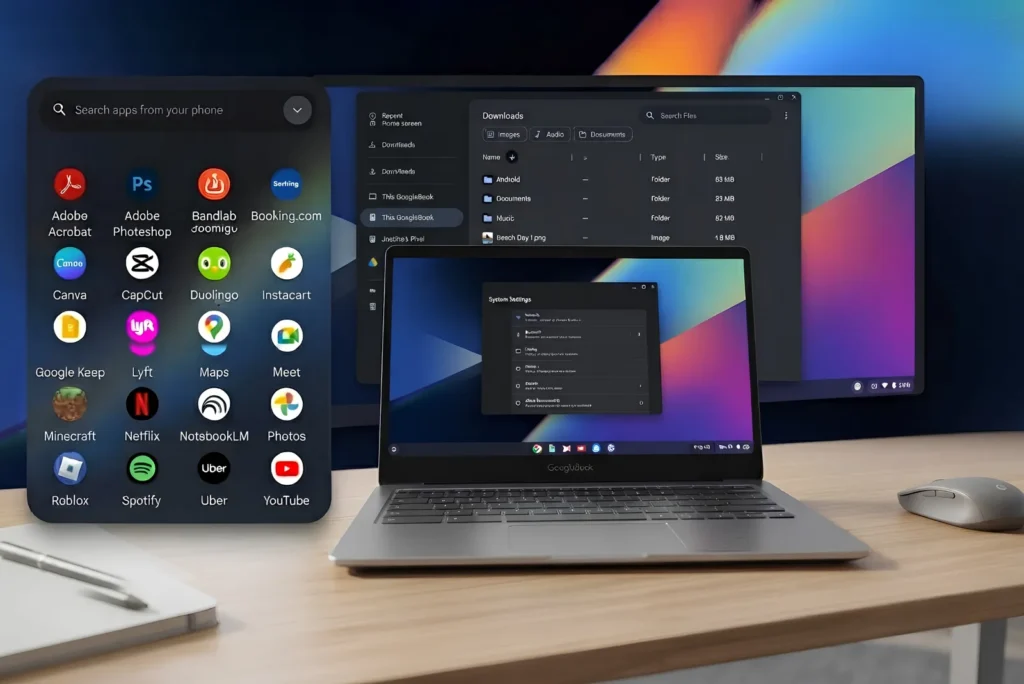
- Phone features without shared Wi-Fi. The phone-to-laptop features need both devices on the same local network today, so they fail on hotel and airport Wi-Fi. Direct pairing is expected in a later feature update, with no date.
- 32GB models. The November build adds hardware tables for upcoming 32GB versions of the Acer, ASUS and Lenovo laptops.
- Gemini Intelligence expansion. All Googlebooks support Gemini Intelligence, and Create My Widget, which debuted on Googlebooks, is now spreading to phones. Google is adding the UK, India and Japan to the US and South Korea, though it has not said when the new regions reach Googlebooks specifically.
Will Chromebooks Get Googlebook OS Updates
Not yet. Google says many newer Chromebooks will be able to move to Googlebook OS, and its admin support page points to devices whose 10-year update window runs past mid-2034, when ChromeOS updates end. Google has named no models, set no date and has not said whether the move keeps files and apps. Until then, a Chromebook’s own Auto Update Expiration date is the number that matters.
What Is Still Unknown
- Whether the 3GB to 6GB memory recovery holds up in independent testing, and whether Snapdragon models get an equivalent change.
- When the Snapdragon screen flicker will be fixed.
- The exact dates of the quarterly releases and what features the first one brings.
- Per-model update end dates.
- The Chromebook eligibility list.
- Whether Google will offer a beta channel or manual update images, as it does for Pixel phones.
Should You Install The November Update
Yes, on every model. The security patch covers around 60 vulnerabilities, the reboot-loop fix makes future updates safer, and nothing in the reports so far points to a new problem introduced by this build.
- Acer, ASUS and Lenovo owners with 16GB gain the most. Check memory use before and after if multitasking felt cramped.
- HP and Dell owners should install it for the external monitor, Bluetooth audio and firmware fixes, and expect the flicker to continue for now.
- Anyone using a Logitech BLE mouse should re-pair it after updating.
- Buyers waiting on the fence should watch for the first quarterly release and the flicker fix before deciding; a 32GB configuration is also on the way for the Intel models.